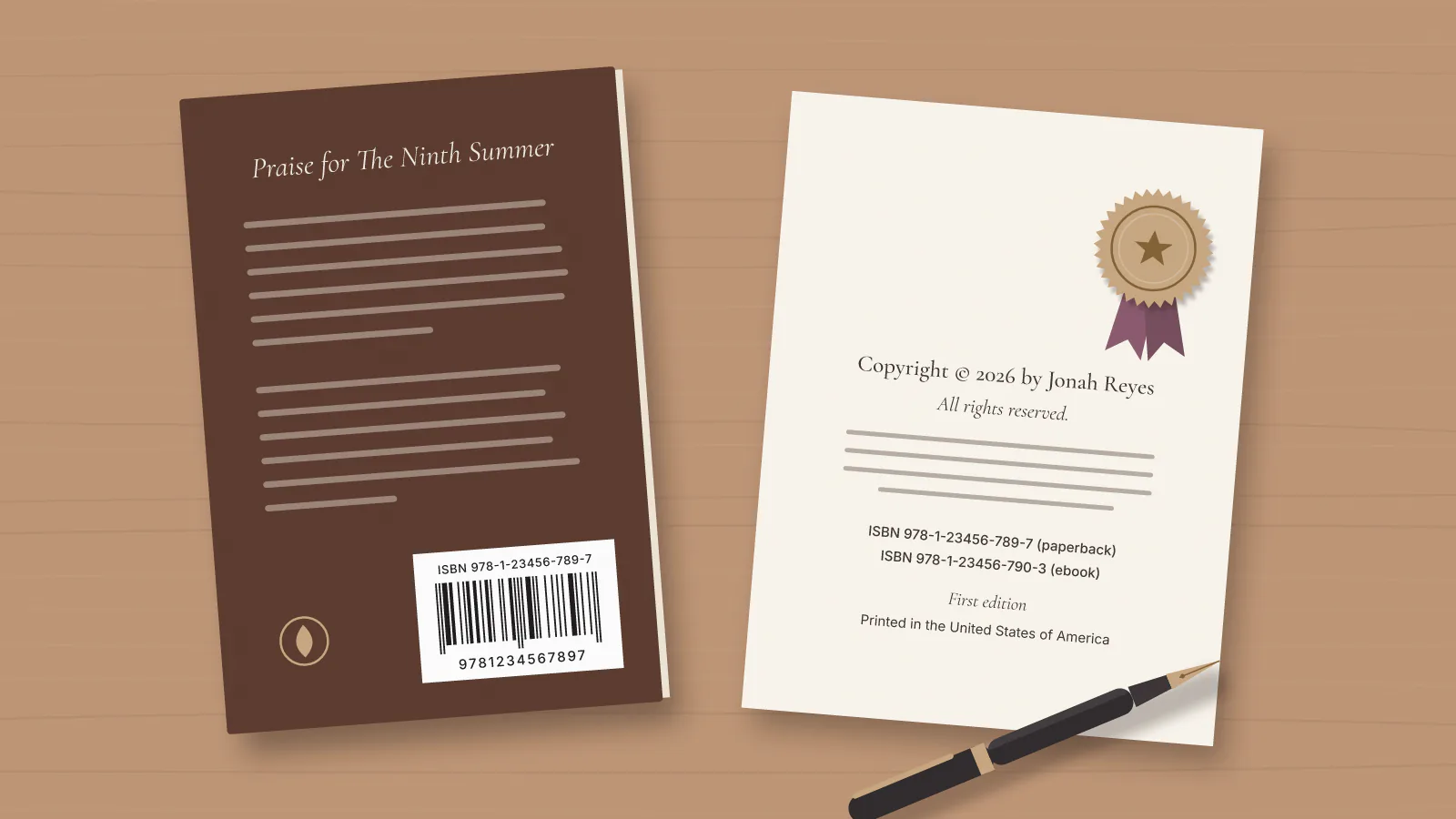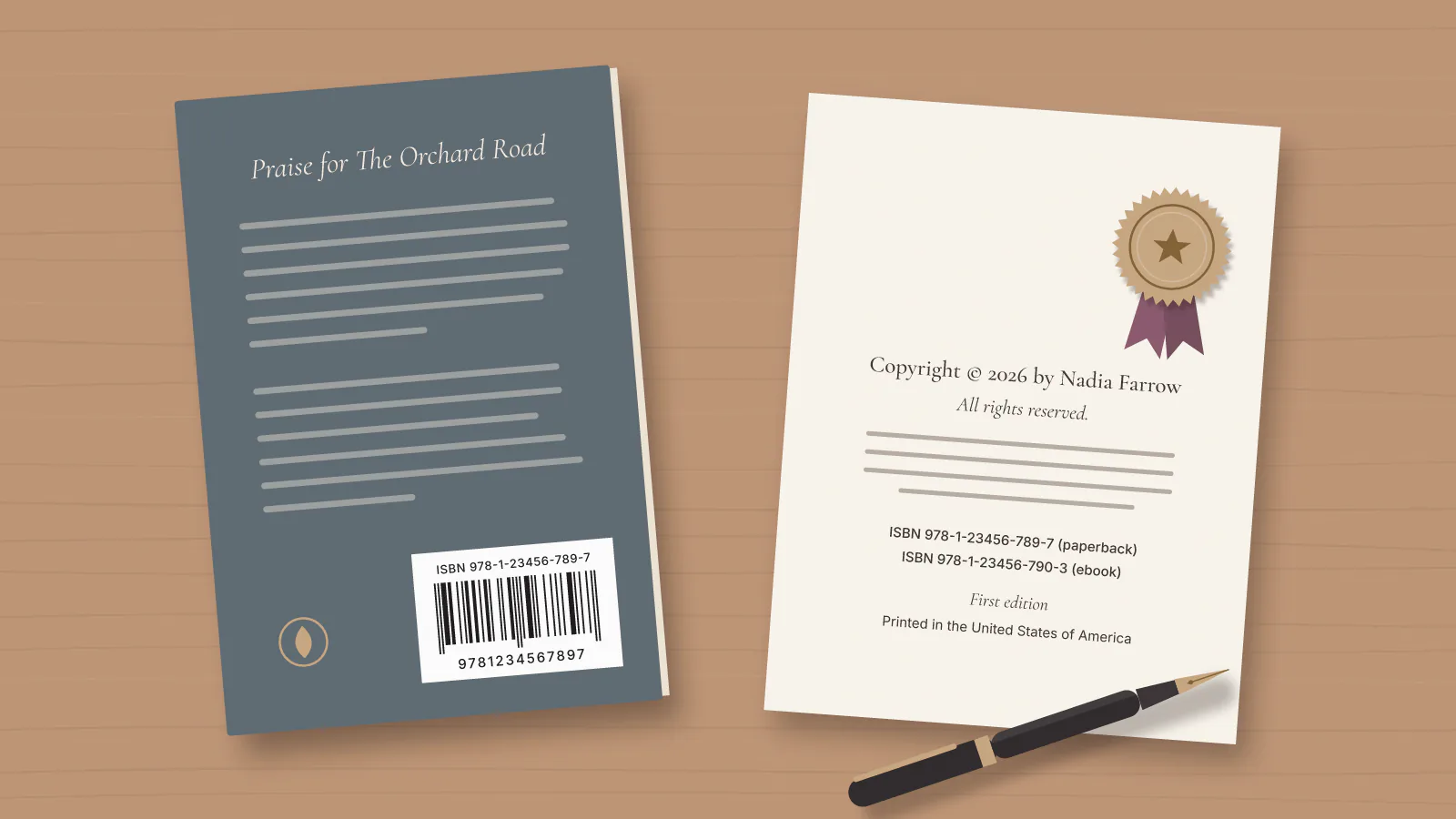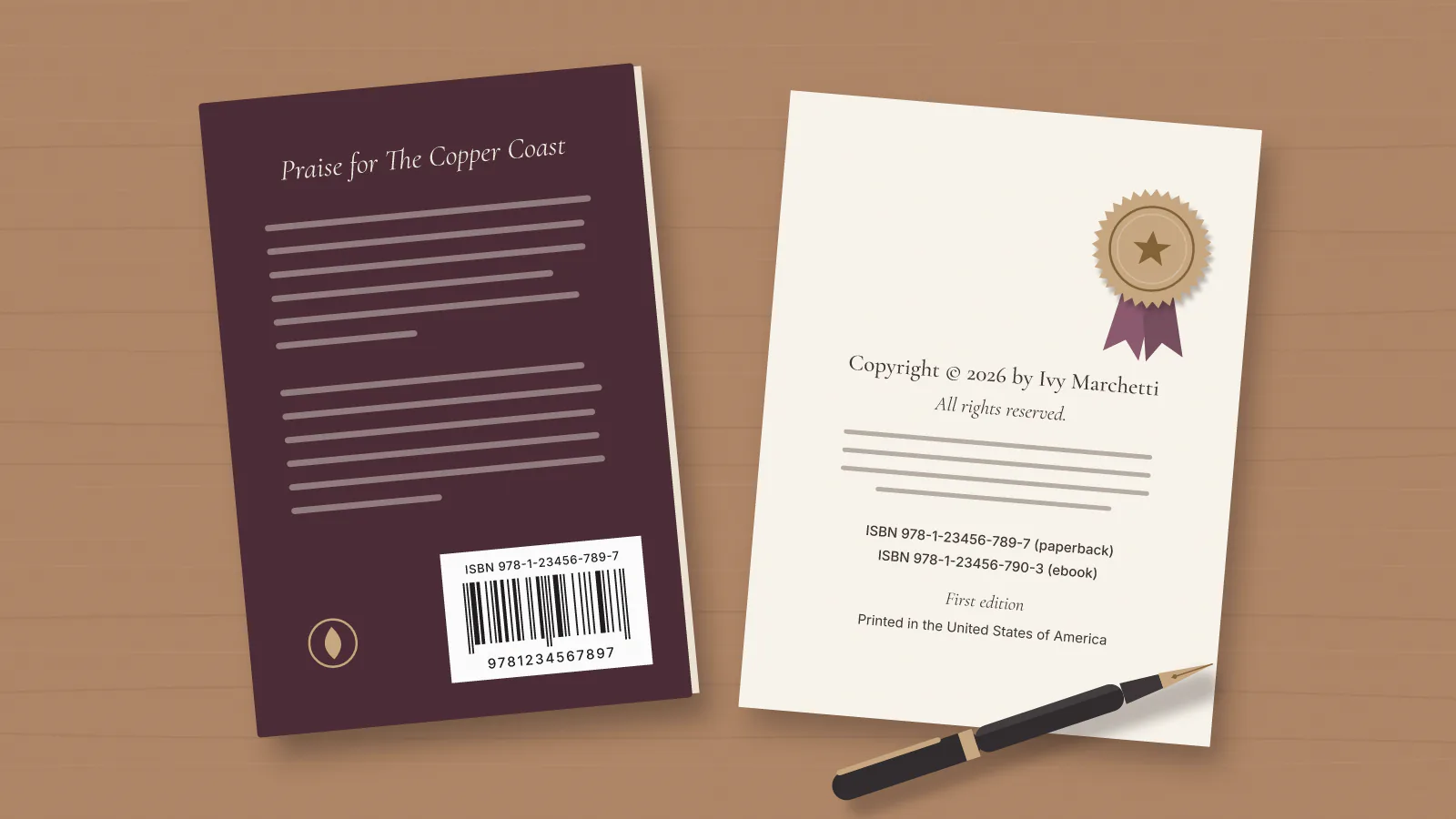
You are in the setup flow on KDP, Amazon's Kindle Direct Publishing platform, and it is asking for an ISBN. Whether you need an ISBN for self-publishing depends on the format: KDP requires one for paperbacks and hardcovers, and treats it as optional for eBooks. The harder question is whether to take KDP's free ISBN or buy your own, and that choice is much easier to get right before you publish than after.
Do You Need an ISBN to Self-Publish a Book?
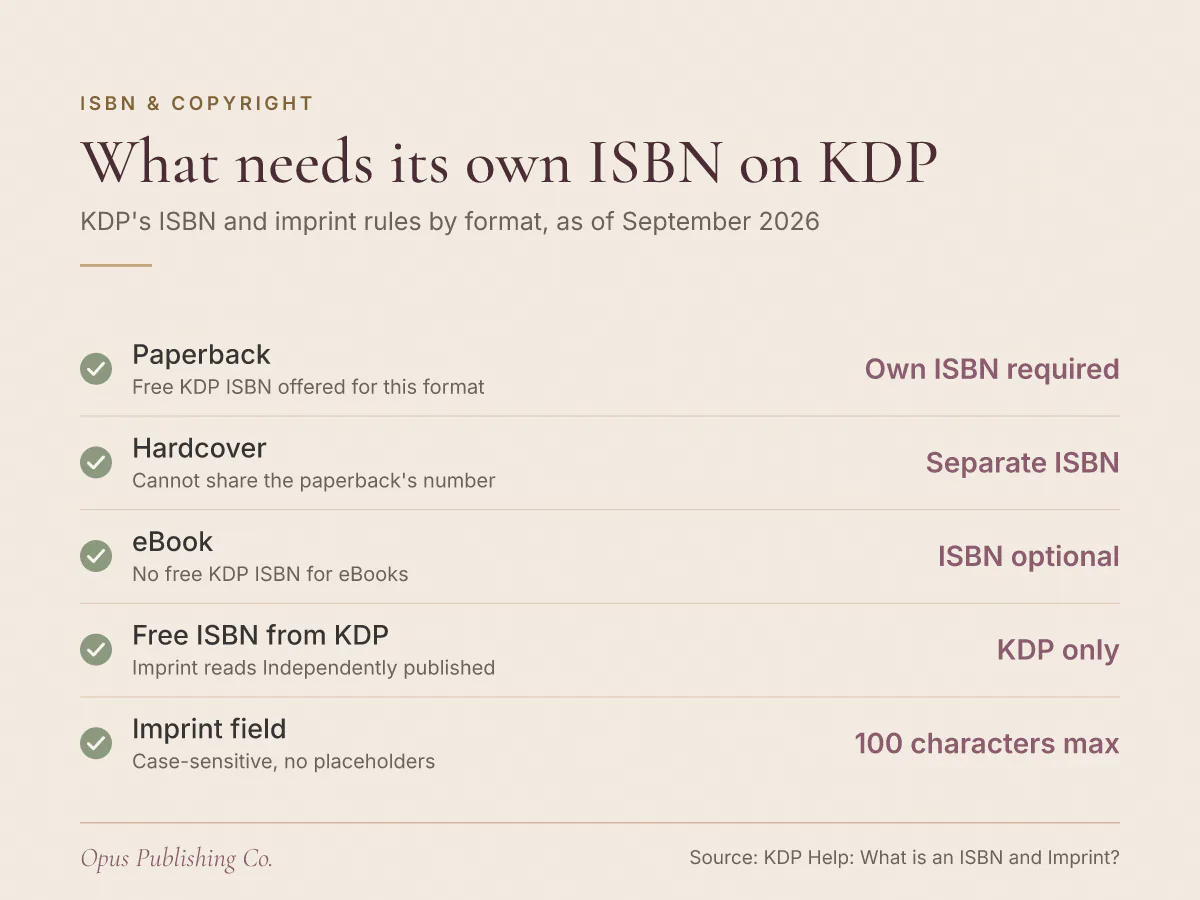
An ISBN is required for your paperback and hardcover, and optional for your eBook. KDP's help page states that eBooks and low-content books, meaning notebooks and journals that are mostly blank pages, are the only formats where an ISBN is optional.
An ISBN, or International Standard Book Number, is a unique identifier for books. According to KDP's help page on ISBNs and imprints, it helps bookstores, libraries, distributors and readers find and reference your book correctly. Note the exception on the print side: KDP lists low-content books next to eBooks as optional, so a blank journal is not held to the same requirement as a novel.
As of September 2026, KDP gives you two ways to supply the number for a print book. You can use a free ISBN from KDP, which covers paperback and hardcover books only, or you can purchase your own. Both satisfy the requirement. They do not give you the same book.
What Are the Limits of a Free KDP ISBN?
A free KDP ISBN can only be used on KDP. KDP's help page is explicit: free ISBNs from Amazon cannot be used to publish outside of KDP, and the imprint will appear as "Independently published" rather than your own publisher name.
An imprint is the name of the publisher associated with your book's ISBN. With a free KDP ISBN, that line reads "Independently published". It is accurate, and it is the same line on every other book that took a free KDP ISBN, so it says nothing specific about you.
The restriction that matters more is portability. Because a free KDP ISBN cannot be used to publish outside of KDP, taking the free number is also a decision to keep that edition inside KDP. Change your mind later and you are not transferring the ISBN anywhere; that edition needs a different number to go out through anyone else.
What Do You Get If You Buy Your Own ISBN?
Buying your own ISBN gets you two things: your own imprint on the book, and a number that is not locked to KDP. KDP's help page states that if you buy your own ISBN, you can list your own publishing imprint, such as your business or brand name.
You buy ISBNs from an ISBN agency and register the book's details with it. KDP names Bowker as an example of the agency it checks your entry against. The registration is the part authors underestimate, because KDP later compares what you typed with what the agency has on file.
ISBN prices are set by the agency rather than by Amazon, and they change, so take the current price from the agency's own price list instead of a blog post's table. Check whether your agency sells blocks of numbers as well as singles before you buy one at a time. One book in paperback, hardcover and eBook already needs three numbers, so a single purchase is rarely the whole order.
How Many ISBNs Does One Book Need?
One ISBN covers one format of one edition, so a paperback, a hardcover and an eBook are three separate decisions. KDP's help page states that each format of your book (paperback vs hardcover) needs its own ISBN, and that eBooks are one of the two optional formats.
| Format | Own ISBN needed? | Free KDP ISBN offered? | Imprint with a free ISBN |
|---|---|---|---|
| Paperback | Yes | Yes | Independently published |
| Hardcover | Yes, separate from the paperback | Yes | Independently published |
| eBook | Optional | No, KDP's free ISBN covers print only | Not applicable |
| New edition with significant changes | Yes, a new number | Yes, for paperback and hardcover | Independently published |
Because KDP's free ISBN covers paperback and hardcover books only, an eBook with your own imprint on it means buying an ISBN for the eBook. Authors publishing all three formats often want one publisher name across the set, and that is only possible if every number in the set is one you bought.
The reuse rule is where authors get caught. KDP's help page states that the same ISBN cannot be reused across multiple book formats or new editions that introduce significant changes from the original version. The wording turns on "significant", so a corrected typo sits at one end and a rewritten ending or two added chapters sits at the other. If you cannot tell which side you are on, treat it as a new edition and use a new number.
Should You Use the Free KDP ISBN or Buy Your Own?
The free KDP ISBN is the right choice only if you are content for that edition to live on KDP alone and to show "Independently published" as the publisher. Anything else, including a possible move to another distributor later, argues for buying your own before you publish.
Take the free KDP ISBN if:
- KDP is your only print channel, and you have no plan to change that.
- The publisher name on the book genuinely does not matter to you.
- You are testing a first paperback and want the setup cost at zero.
Buy your own if:
- You want your own imprint on the book instead of "Independently published".
- There is any chance you will print or distribute that edition outside KDP.
- You are publishing paperback, hardcover and eBook, and want one publisher name across all three.
Price is the wrong axis for this decision, because the two options are not equally reversible. Nothing stops you buying an ISBN next year. What you cannot do is carry a free KDP ISBN out of KDP, and you cannot reuse an ISBN across formats, so the fix later is a different number on that edition rather than a transfer. Say you have a literary debut going out as a paperback in six weeks, with a hardcover in mind for the next year: that is a case for buying now, because the hardcover needs its own number anyway.
The ISBN is one of a short list of decisions that are cheap before you upload and expensive after. Choosing your trim size belongs on that list too, since trim size is the finished page dimensions of the printed book. So does knowing what a paperback actually earns per copy.
Why Does KDP Reject Your Own ISBN at Publish Time?
KDP rejects an ISBN when the details you type do not match the details registered with the ISBN agency. KDP's help page states that KDP checks whether your book's imprint matches what is on file with the agency, and that a mismatch means you won't be able to publish.
The rules behind that check are unforgiving, and all of them come from KDP's own ISBN and imprint page:
- Enter the same details you registered. If you purchase your own ISBN, you must enter the same book title, author name and publisher in KDP that you used to register the ISBN.
- Match the case exactly. ISBN and imprint entries are case-sensitive, so "Willow Lane Press" and "willow lane press" are not the same entry.
- Delete trailing spaces. KDP warns that even extra spaces at the end of the imprint name can cause mismatch errors.
- Never use a placeholder. KDP prohibits entries such as "unknown" or "n/a" in these fields.
- Keep the imprint short enough. KDP's imprint field has a limit of 100 characters.
Copy and paste the imprint from the agency's record into KDP rather than typing it, then click at the end of the field to check for a stray space. That habit rules out the trailing-space version of this failure before it costs you a rejected publish. If you do hit an error, KDP's help center has pages titled "Change or view your ISBN" and "Troubleshoot ISBN errors" for exactly this situation.
What to Do Before You Upload
Settle the ISBN question before you create the title in KDP, not halfway through setup. Two answers decide it: which formats you are publishing, and whether the publisher line has to carry your name.
- Write down every format you intend to publish, including the ones planned for next year.
- Count one ISBN per print format, then add the eBook only if you want your own imprint on it.
- Decide the imprint name now, and check it fits inside KDP's 100-character imprint field.
- If you are buying, register with the agency using the exact title, author name and publisher you will type into KDP.
- If you are taking the free ISBN, accept both consequences on purpose: "Independently published" on the detail page, and that edition staying on KDP.
Authors who want the setup handled for them can look at Opus's publishing and distribution service, which covers KDP setup, metadata (the title, author, category and keyword fields behind your listing) and ISBN guidance.