Your manuscript is done and the copyright page is the one page you have never written before. A book copyright page template is about ten short lines: a copyright notice, a rights statement, the publisher imprint, the ISBN for that format, and a few optional credits. Only two of those lines get checked by anyone, and getting them wrong is what stops a book from publishing.
Do you need a copyright page in a self-published book?
No platform requires one. KDP's setup asks you for an ISBN and an imprint, not for front matter, and copyright registration happens at the U.S. Copyright Office rather than through a line in your book. Include the page anyway, because readers, reviewers and libraries expect it.
Front matter is everything that comes before chapter one: half title, title page, copyright page, dedication, contents. The copyright page conventionally sits on the back of the title page, which is why typesetters call it the verso.
What the page does is identify the edition in the reader's hands. It names who holds the rights, which format and printing this is, and who to contact about permissions. None of that creates your copyright and none of it registers it. The U.S. Copyright Office treats a book as a literary work, which the Copyright Act defines as a work "expressed in words, numbers, or other verbal or numerical symbols or indicia" (17 U.S.C. section 101). Registration is a separate application, and the Office's literary works registration page lists the routes, including the Standard Application, the Single Application and Form TX. Our guide to registering a book copyright in the US walks through the steps and fees.
What does a book copyright page template look like?
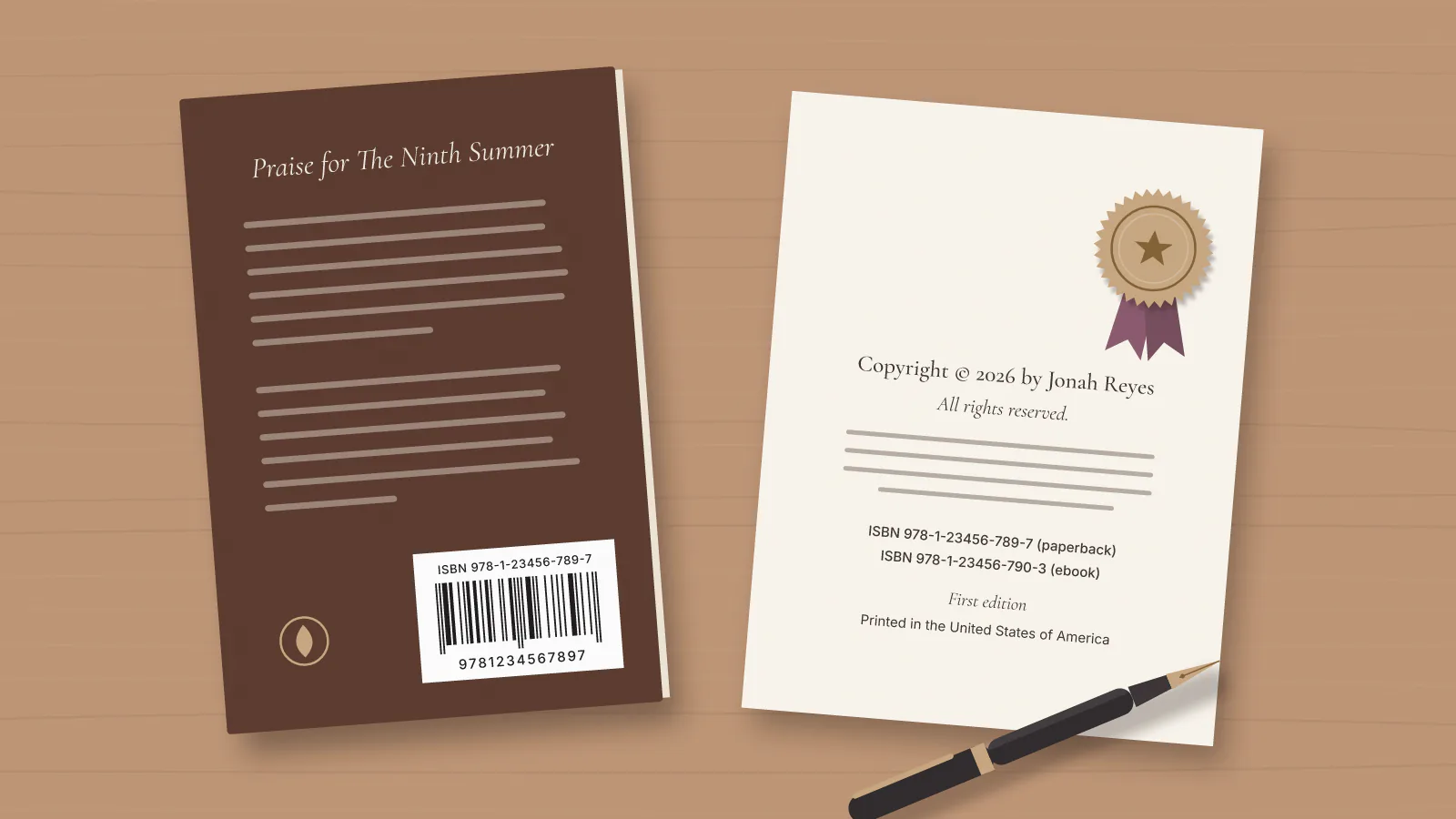
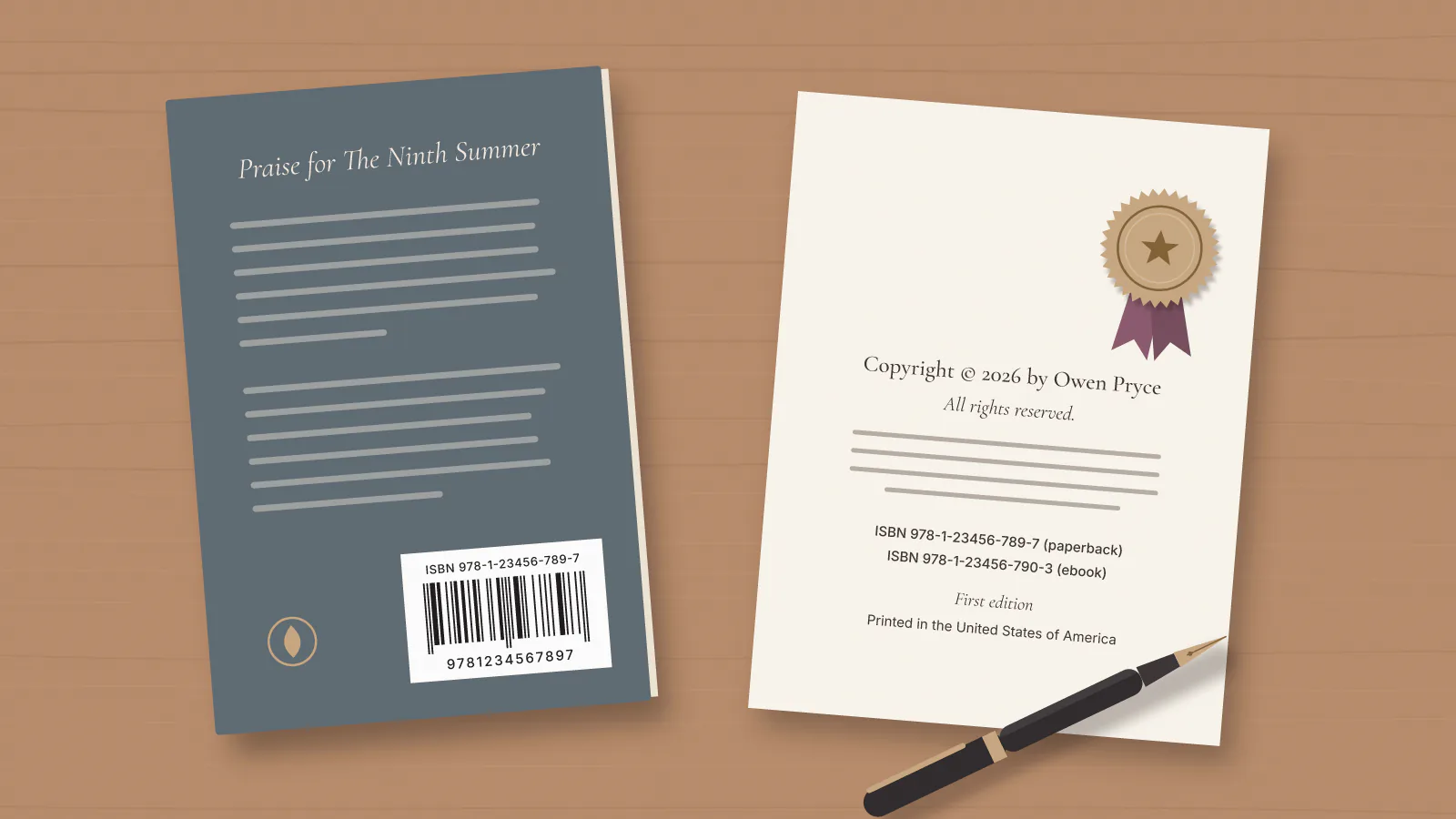
A book copyright page template is seven to ten short lines in a fixed order. You need the copyright notice, a rights statement, the publisher imprint, the ISBN for that format, an edition line, a disclaimer if the book is fiction, and credits for whoever made it.
Here is the full example to copy. Replace everything in square brackets, then delete any line that does not apply to your book.
Copyright © [2026] by [Your Name or Pen Name]All rights reserved.No part of this book may be reproduced in any form without written permission from the publisher, except brief quotations in a review.Published by [Imprint Name], [City, Country]ISBN [paperback ISBN] (paperback)ISBN [hardcover ISBN] (hardcover)ISBN [ebook ISBN] (ebook)First edition, [Month 2026]This is a work of fiction. Names, characters, places and incidents are products of the author's imagination. Any resemblance to actual persons, living or dead, or actual events is coincidental.Cover design by [Designer]. Interior design by [Designer].[Author website or permissions email]
Keep the ISBN lines for the formats you actually publish and cut the rest. A paperback-only release should show one ISBN line, not three with two blanks. The fiction disclaimer belongs in novels and short story collections, not in a memoir, where a different note about changed names is the usual choice.
Which lines are required and which are optional?
Only the ISBN and the imprint are checked by anyone. Print formats need an ISBN, and the imprint has to match your ISBN registration record. Everything else on the page is publishing convention that no platform or government page dictates.
Three tiers, in the order that matters:
- Checked at upload. The imprint and, for print, the ISBN. KDP compares both against the ISBN agency's record and refuses the book on a mismatch.
- Conditional on your choices. The edition line matters once you have more than one edition. The permissions contact matters if you expect quotation requests. The designer credits matter if your contracts ask for them.
- Convention. The copyright notice, the rights line, the fiction disclaimer and the credits. These are what readers and librarians look for, and nobody validates them.
The wording of the rights line is yours to choose. "All rights reserved." is the short form almost every trade book uses, and a longer reproduction clause is common in nonfiction. Neither KDP's ISBN and imprint page nor the Copyright Office's literary works page specifies any wording for your front matter, so pick a form you like, make sure it says what you mean, and use it across all your titles.
Which ISBN goes on the copyright page for each format?
Each format gets its own ISBN, so the paperback page carries the paperback ISBN and the hardcover page carries the hardcover one. KDP's help page states that ebooks and low-content books, meaning journals, planners and notebooks, are the only formats where an ISBN is optional.
An ISBN (International Standard Book Number) is a unique identifier for a book that helps bookstores, libraries, distributors and readers find and reference it correctly, according to KDP's ISBN and imprint help page. As of November 2026, KDP offers two routes: a free ISBN from KDP, available for paperback and hardcover only, or an ISBN you buy yourself. A free KDP ISBN can only be used to publish on KDP, so it is the wrong choice if you plan to distribute the same print edition elsewhere.
| Format | ISBN needed | Free KDP ISBN | What the copyright page shows |
|---|---|---|---|
| Paperback | Yes, its own number | Available, KDP only | The paperback ISBN, labeled (paperback) |
| Hardcover | Yes, its own number | Available, KDP only | The hardcover ISBN, labeled (hardcover) |
| Ebook | Optional | Not available | The ebook ISBN if you bought one, otherwise no ISBN line |
KDP also rules out reusing one ISBN across formats or for a new edition that introduces significant changes from the original version. A second edition with a rewritten ending needs a new number, and the edition line on your copyright page is what tells a reader which one they have. Before you buy a block of numbers, read whether each format needs a separate ISBN.

What publisher name goes on the copyright page?
The publisher name on your copyright page is your imprint: the publisher name attached to that book's ISBN. With your own ISBN you can use your own business or brand name. With a free KDP ISBN, the imprint appears as Independently published.
This single line can stop your book from publishing, and it is the line most templates leave unexplained. According to KDP's ISBN and imprint help, when you use your own ISBN, KDP checks whether the book's imprint matches what is on file with the ISBN agency, such as Bowker. If the two do not match, you will not be able to publish. The checks are strict in ways that surprise authors:
- Entries are case-sensitive, so Lantern Press and lantern press are not the same imprint.
- Even an extra space at the end of the imprint name can cause a mismatch error.
- Placeholders such as "unknown" or "n/a" are not allowed.
- The imprint field holds 100 characters, which is enough for a name but not for a name plus an address.
- With your own ISBN, the book title, author name and publisher you enter in KDP all have to match what you registered with the ISBN.
The practical rule: type your imprint name once, in the ISBN registration, then copy and paste that exact string into KDP and into your copyright page. Never retype it from memory. Type it fresh in each field and a single trailing space can fail the upload with no obvious cause. Opus's publishing and distribution service covers KDP setup, metadata and ISBN guidance if you would rather not handle this part yourself.
How is the copyright page different in an ebook?
An ebook copyright page carries the same notice and imprint lines, minus the print specifics. KDP treats an ISBN as optional for ebooks, so if you did not buy one, delete the ISBN line instead of leaving a bracketed placeholder in the file.
Three differences worth building into your ebook file:
- No printer location, no cataloging block, no "printed in" line. None of it applies to a digital file.
- Give the page its own section break in your source file, so it lands between the title page and the dedication instead of flowing into whatever came before it.
- Keep it to one screen. A copyright page that scrolls is the first thing a sample reader sees after your title, and it should get them to the story instead of your boilerplate.
A free KDP ISBN is not offered for ebooks, and KDP lists the ebook ISBN as optional, so an ebook with no ISBN line is a normal, publishable book. For the rest of the front matter, our list of Kindle ebook formatting problems covers the errors that reach readers.
What do authors get wrong on the copyright page?
Five problems account for most of the trouble on a copyright page. They are a leftover placeholder, an imprint that does not match the ISBN record, one ISBN reused across two formats, a registration claim never filed, and a stale year on a reprint.
- Placeholders that ship. "[Your Name]" and "[Imprint Name]" in a printed book are the clearest sign nobody read the proof. Search your file for a left square bracket before you upload.
- An imprint that does not match. Capitalization, punctuation and stray spaces all count against the ISBN agency record. Copy and paste.
- One ISBN, two formats. The paperback and the hardcover need separate numbers. Reusing one across both is not allowed, and editing the copyright page later does not fix it.
- Claiming a registration you do not have. If your page says the work is registered with the U.S. Copyright Office, it needs to be true and the application needs to be filed. Leave the line out until it is.
- A stale year on a reprint. The notice year should match the edition the reader is holding. Carrying 2024 forward onto a 2026 second edition is the kind of detail a careful reader spots.
Next steps for your copyright page
Set up the page in this order, before you upload anything, because the ISBN registration has to come first.
- Decide the ISBN route for each format: your own number, or KDP's free one for print. Buy your own if you want the same edition on other retailers.
- Register the imprint name exactly as you want it to appear, then copy that string to your clipboard and keep it somewhere you can paste from.
- Paste the imprint and the matching ISBN into both your KDP title setup and the copyright page of each file. One format, one ISBN, one page.
- Fill in the template above, delete every line that does not apply, and run a search for "[" to catch leftovers.
- Order a proof copy, a single printed copy to check before release, or open the online previewer, and read the copyright page at full size. It is a page nobody proofreads, which is exactly why errors survive there.