You have a photo that runs to the edge of the page, or a background color that fills it, and KDP wants to know whether your interior uses bleed or no bleed. The rule is short. If any art or color is meant to reach the trimmed edge of the page, choose bleed. If nothing touches the edge, choose no bleed and keep your file simple.
What Is Bleed in a KDP Book Interior, and When Do You Need It?
Bleed is extra artwork that extends past the line where your page gets cut, so ink still reaches the edge after trimming. KDP's rule is one sentence: if visual elements reach the edge of the page, set up your interior file with bleed.
Printing and cutting are mechanical, and a stack of paper shifts by a hair under the blade. Without bleed, a background that ends exactly at the trim line comes back with a thin white sliver down one edge on some copies and not others. Bleed gives the blade something to cut into.
Trim size is the finished page size of the printed book, the thing a reader holds. Bleed is not a trim size, and it is not a margin. Bleed is the overhang beyond the trim, and it belongs to the whole interior file rather than to one page, because KDP's instruction is to set up the interior file with bleed. Amazon's guidance on formatting your paperback covers the interior manuscript file and the cover file separately, and each one is set up its own way.
Which Books Need Bleed and Which Need No Bleed?
Illustrated books usually need bleed; text-only books don't. Picture books with full-page art, journals and planners with edge-to-edge designs, photo books and cookbooks with images running off the page all need a bleed interior. Novels, memoirs and most nonfiction set in plain text do not.
Work through your actual pages, not your intentions. A bleed interior is the right call when your paperback has any of these:
- Full-page images or illustrations meant to print right to the paper edge
- A background color or texture that fills the page, including colored chapter openers
- Photographs placed as full-page images rather than inside the text block
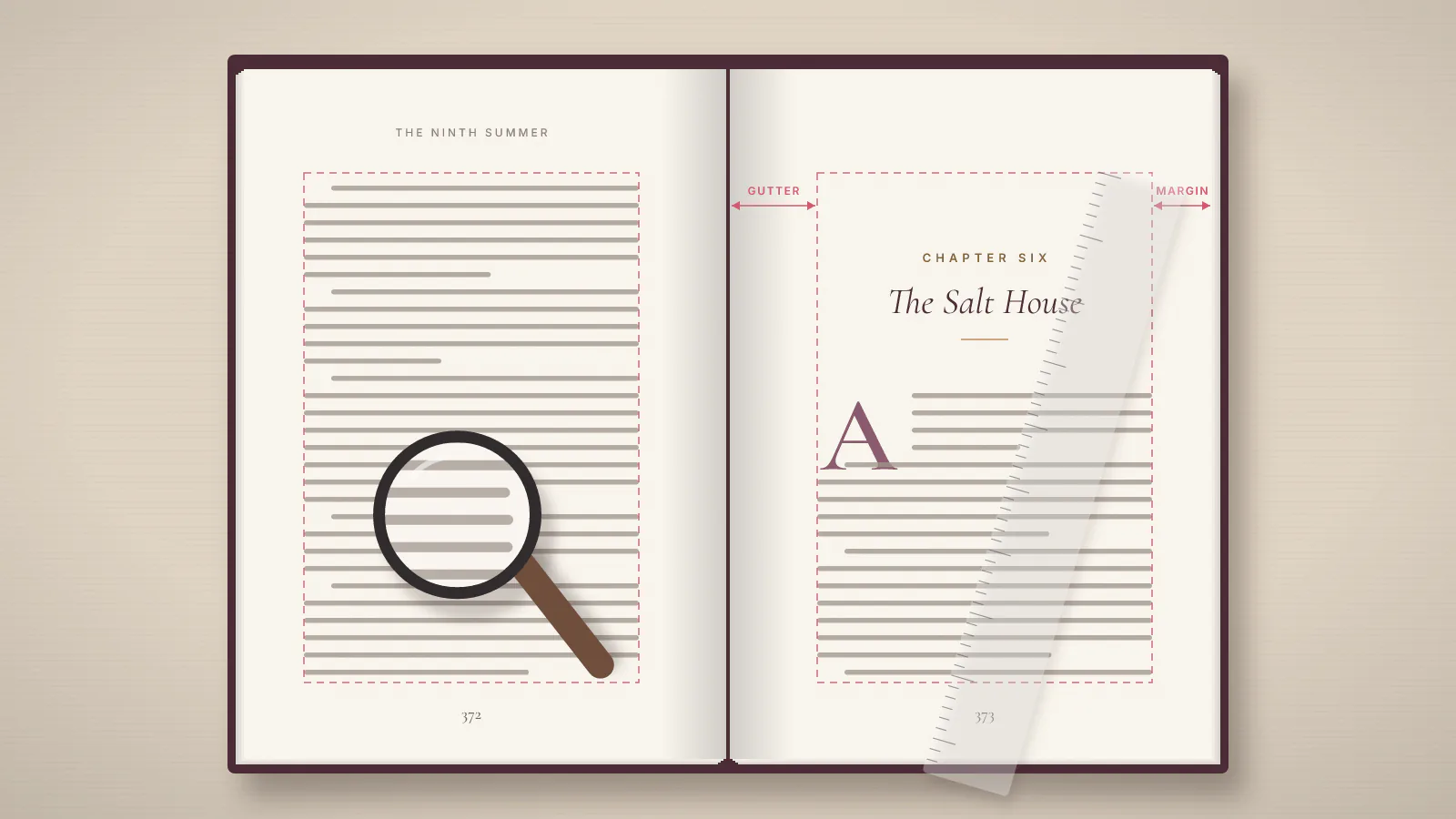
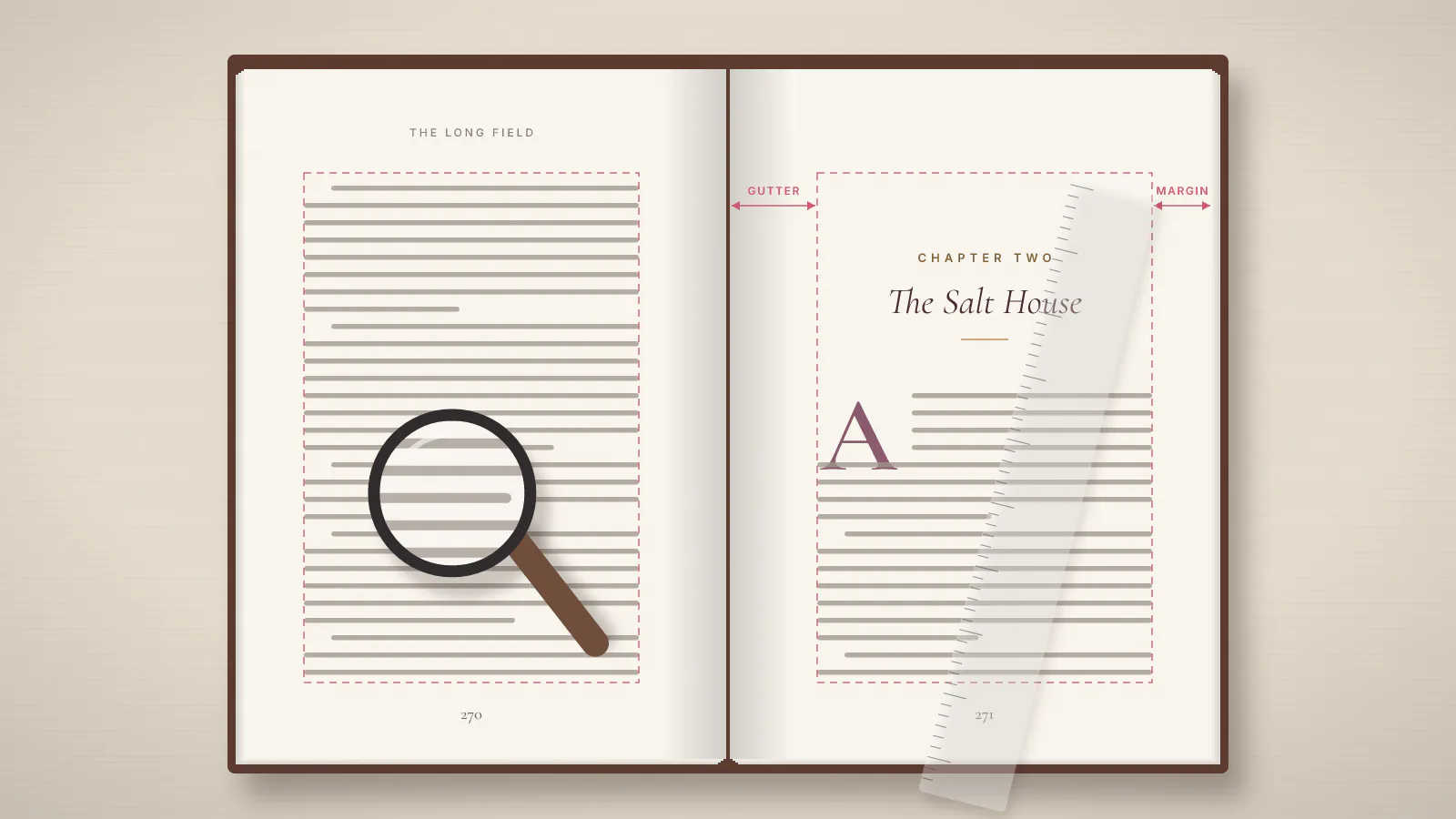
- Double-page spreads where art crosses the gutter (the inside margin at the spine) and runs on to the outer edges
- Decorative borders or frames that sit on the trim line
No bleed is the right call when every element on every page sits inside the margins: body text, headers, page numbers, inset images with white space around them, and line art with a white background.
The two-or-three-image judgment call
Authors with a novel and three interior images usually pick no bleed, and that is normally the better decision. You have two honest options. Resize those images so they sit inside the margins with white space around them, keep no bleed, and your file stays simple. Or commit to a bleed interior for the whole book because the images genuinely need the full page. What you cannot do is set up a no-bleed file and hope a full-page image prints to the edge anyway.
How Does Bleed Change Your Interior Page Size and Setup?
A bleed interior page is larger than your trim size, because artwork has to extend past the cut line on the outer edges. KDP publishes the exact allowance on its Set Trim Size, Bleed, and Margins help page, and it offers downloadable paperback manuscript templates.
One number is missing from this page on purpose. Search this question and several guides will hand you a confident page size for a 6 by 9 inch book with bleed. They do not agree with each other. Guides ranking for this question state different dimensions for the same book, which means one of them is wrong, and an author cannot tell which from the page itself. A wrong overhang does not fail an upload loudly. It shows up as cropped art or a white edge in the proof, after you have paid for printing and shipping.
So take the page size from Amazon, not from a blog, and do it in this order:
- Pick your trim size first, because the bleed dimensions are derived from it.
- Read the allowance off KDP's Set Trim Size, Bleed, and Margins page, or start from KDP's paperback manuscript template.
- Build your interior file to the template's page size, with artwork running out to the edge of the bleed area.
- Match the bleed option in your KDP paperback content setup to the file you actually built.
- Check the result in KDP's previewer before you publish, then order a proof.
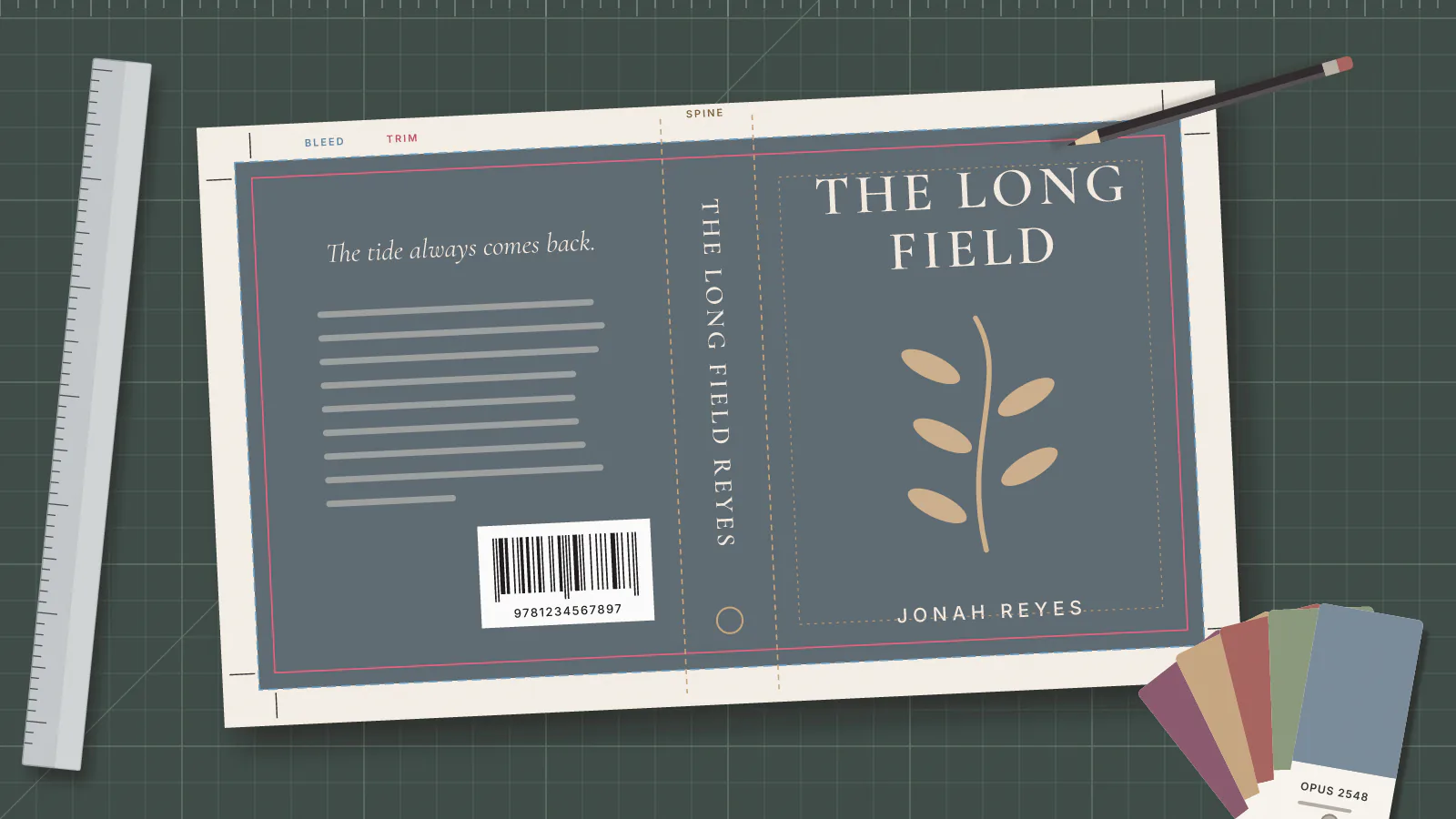
The bleed setting in KDP and the file on your computer have to describe the same thing. A mismatch is the easiest bleed mistake to make in a KDP interior file setup: a file built to trim size uploaded with bleed selected, or a file with overhang uploaded as no bleed. Your cover file follows its own rules, which is why KDP provides a separate cover calculator and template. Opus has a walkthrough of the KDP cover template, its bleed area, spine and barcode zone if the cover is your next job.
Can You Still Use Kindle Create With a Bleed Interior?
Kindle Create cannot lay out a paperback with images that bleed. KDP's Format Your Paperback page states that Kindle Create isn't supported for paperbacks with tables, footnotes, or images that bleed, so picking bleed also means picking a different layout tool.
Kindle Create is Amazon's own tool for turning a finished manuscript into a laid-out book, and KDP recommends it for text-heavy books with simple layouts. That recommendation describes a no-bleed novel almost exactly. The same rule shuts Kindle Create out of the illustrated books most likely to need bleed.
Nobody tells you this at the moment you pick bleed, and it catches authors who planned to format the book themselves over a weekend. If your interior needs bleed, budget for layout software or a formatter instead. Opus does print book formatting if you would rather hand off the interior file.
Does a Bleed Interior Change Your Ink and Paper Options?
A bleed interior changes your ink choice whenever the artwork is meant to print in color. KDP's Print Options page says to choose a color ink option if any images in your book are supposed to print in color.
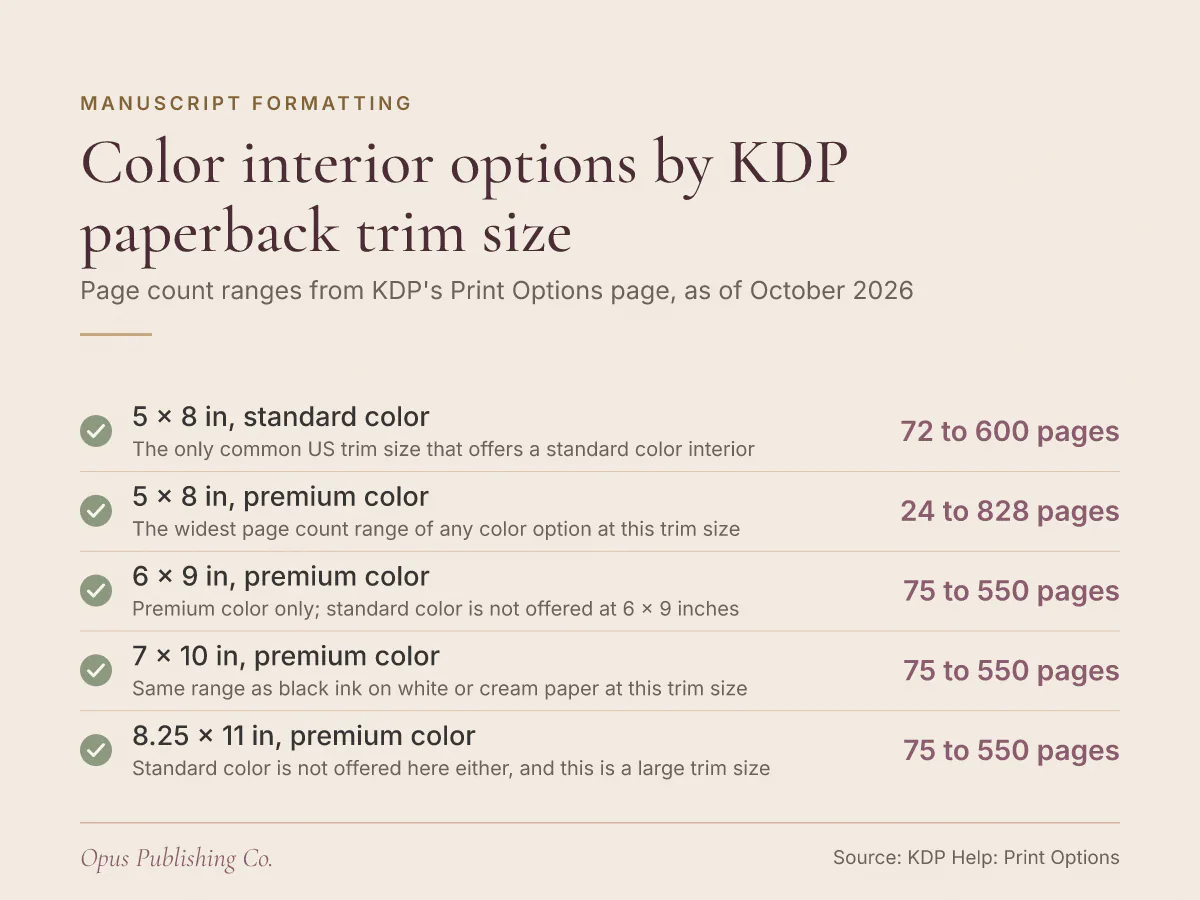
As of October 2026, KDP's Print Options page lists three paperback ink and paper combinations. Black ink pairs with 45 pound (60 GSM) groundwood paper, and black ink books can also print on cream or white paper. Premium color ink uses 60 to 71 pound (88 to 105 GSM) white paper. A standard color interior uses 50 to 61 pound (74 to 90 GSM) white paper. Books with color ink print on white paper, which KDP says shows higher contrast for images and graphics. Paper weight varies by printing location.
The catch is availability. Standard color, the lighter-paper of the two color options, is not offered at most common US trim sizes.
| Trim size | Standard color interior | Premium color interior | Black ink, white paper |
|---|---|---|---|
| 5 x 8 in | 72 to 600 pages | 24 to 828 pages | 24 to 828 pages |
| 5.5 x 8.5 in | Not available | 75 to 550 pages | 75 to 550 pages |
| 6 x 9 in | Not available | 75 to 550 pages | 75 to 550 pages |
| 7 x 10 in | Not available | 75 to 550 pages | 75 to 550 pages |
| 8.25 x 11 in | Not available | 75 to 550 pages | 75 to 550 pages |
Page count ranges and availability from KDP's print options for paperbacks and hardcovers, as of October 2026. Standard color is also unavailable for hardcover, so a hardcover color interior means premium color.
Two rules on that page deserve more attention than they get. Ink and paper type lock after publication because of ISBN requirements, so you cannot switch between standard color, premium color and black and white once the book is live. And a black-and-white edition and a color edition have to be set up as separate books on your KDP Bookshelf.
Groundwood paper is worth a line for bleed-free books. KDP says printing costs run approximately 5% lower per page on groundwood than on cream or white paper, but groundwood is a black-ink option, so a color bleed interior cannot use it.
Which Trim Size Works Best for a Full-Bleed Interior?
Trim size should come before the bleed decision, because trim size sets both your page count limits and your color options. KDP's most common US trim size is 6 x 9 inches (152.4 x 228.6 mm), the default in its Print Options section.
Three figures from KDP's Print Options page shape an illustrated book:
- Large trim costs more. A large trim size is more than 6.12 inches (155.5 mm) wide or more than 9 inches (228.6 mm) tall, and KDP charges different printing costs for regular and large trim sizes.
- Custom trim is paperback only. For paperbacks you can enter a custom trim size, with width within 4 to 8.5 inches (10.16 to 21.59 cm) and height within 6 to 11.69 inches (15.24 to 29.69 cm).
- Short color books hit a floor. A standard color interior at 5 x 8 inches needs at least 72 pages. A 40-page picture book, for example, cannot use standard color at that size, and premium color at 5 x 8 inches starts at 24 pages.
That last point bites children's book authors hardest, because picture books are short and colorful by nature. If your page count is below the minimum for the option you want, your choices are a different ink option, a different trim size, or more pages. Opus covers the wider decision in how to choose a book trim size before you format.
What to Settle Before You Upload
Three decisions settle the whole interior file: trim size first, then bleed or no bleed, then ink and paper. Make them in that order and the rest of the KDP setup follows without rework.
This week, in one sitting:
- Open your manuscript and list every page where art, color or a border touches the paper edge. An empty list means no bleed.
- Lock your trim size, then check the table above for the color options and page count range it allows.
- If the book needs color, decide between standard and premium color knowing the choice locks at publication.
- Build your interior file to the page size KDP's bleed page gives for your trim size, rather than stretching the file you already have.
- Order a proof before you publish. KDP recommends it to confirm the ink and paper type you picked fits your needs, and a proof is the only way to see your bleed as a reader will.